A video hook can begin with a change in expression, an unfinished movement, or a subject appearing where you don't expect it. To use that moment in a Reel or YouTube Short, connect the visible action to the point of your own video and cut as soon as the viewer can understand the connection.
These five examples come from the SocialBu Video Hooks library. They cover different editing problems, from a three-second action to a longer scene that needs trimming. The opening lines are illustrative writing prompts; adapt them to facts you can show in your own footage.
A failed movement: the dancer who loses balance
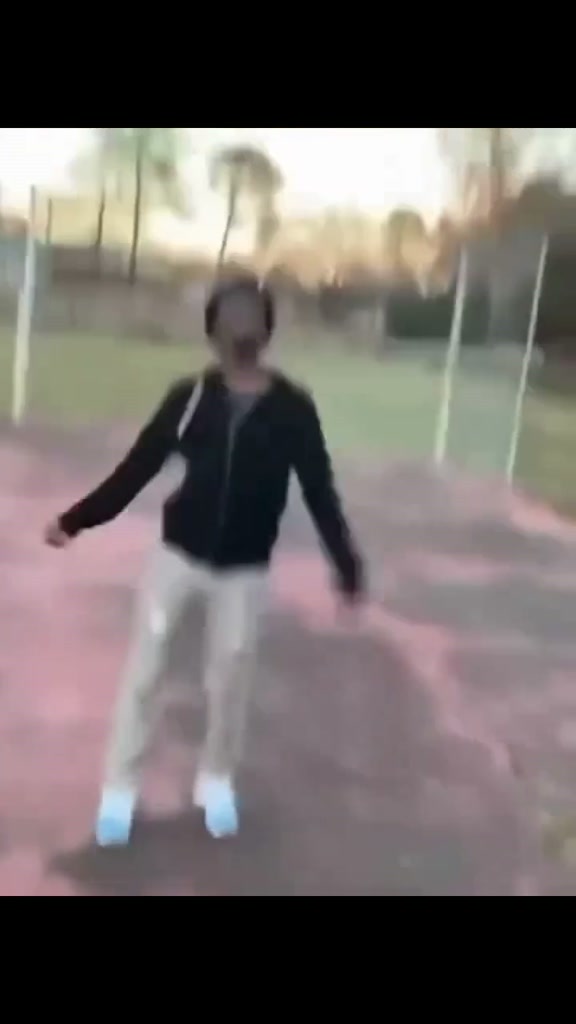
The dancer's quick footwork turns into a loss of balance. That change gives an opening about a failed attempt a concrete visual shape. It fits a tutorial about something that went wrong, provided your next shot explains the actual mistake.
Try a line such as “The step that made this harder than it needed to be,” then cut to the step in your own process. Keep enough footwork for the viewer to recognize the attempted movement. Test the cut when the loss of balance becomes clear, before the clip starts to feel like a separate story.
A serious subject needs an appropriate tone. If the fall would distract from what you need to explain, use your own failed attempt instead. Browse fail video hooks for other kinds of visible mistakes.
An unusual subject: handling a giant fish
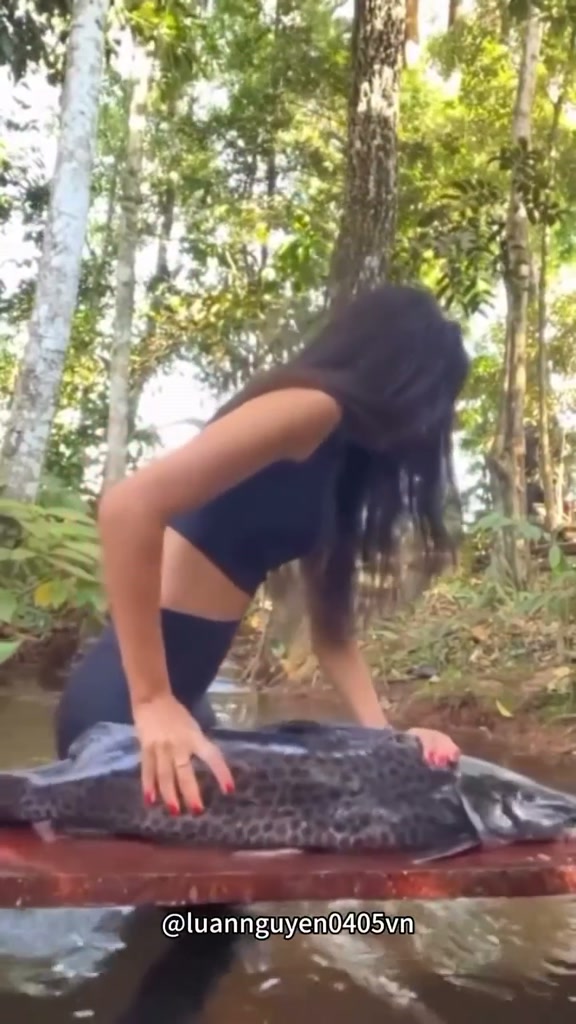
The fish's scale is the main visual detail. The woman's effort to steady it adds movement, so the subject can carry an opening about something larger or more difficult to handle than expected.
For example, an organization tutorial could open with “When the small project becomes the whole afternoon,” followed immediately by the real task. This is a suggested framing, not a claim about the person in the clip. Avoid putting text over the fish or the hands, because those details explain the scene.
You don't need all 7.7 seconds. Preview the interaction, keep the part that makes its size and movement clear, and switch to your own subject once that idea is readable. The animal hook collection has other actions that can introduce a light comparison.
Movement toward the viewer: a pogo rider passes the camera
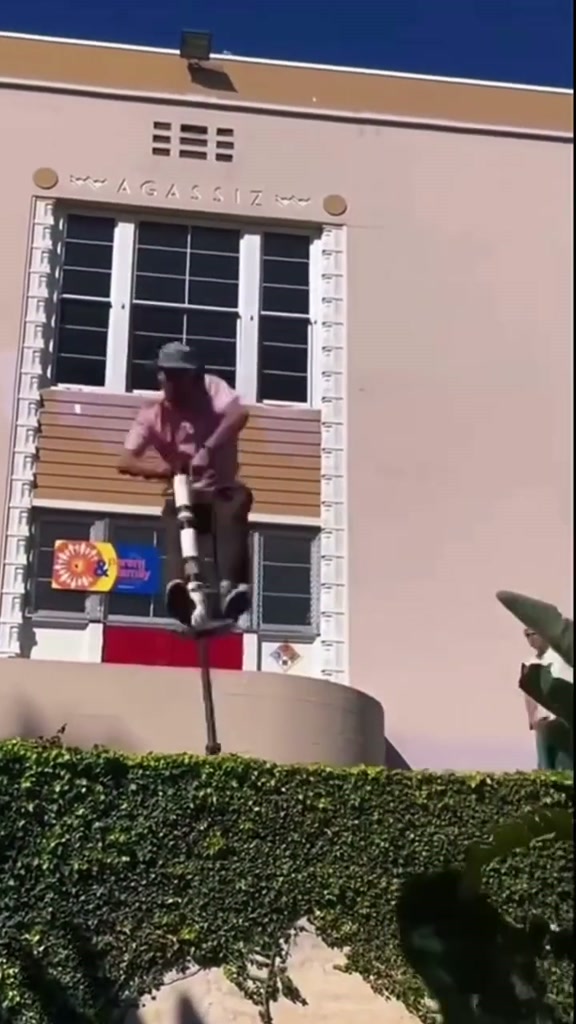
The rider launches above a hedge and passes close to the camera. That approach provides an editing cue: test a cut near the closest pass, then begin your footage with a movement in the same direction, such as bringing an object toward the lens.
An opening line like “Let's look at the detail up close” would connect the movement to a demonstration. Your next shot needs to show the detail immediately. If it begins with a long greeting, the two clips have very little to do with each other.
This is a motion reference for an edit; there is no need to recreate the stunt. You can find other jumps and changes of direction in sports and stunt hooks.
A longer reaction: a cashier recognizes a customer
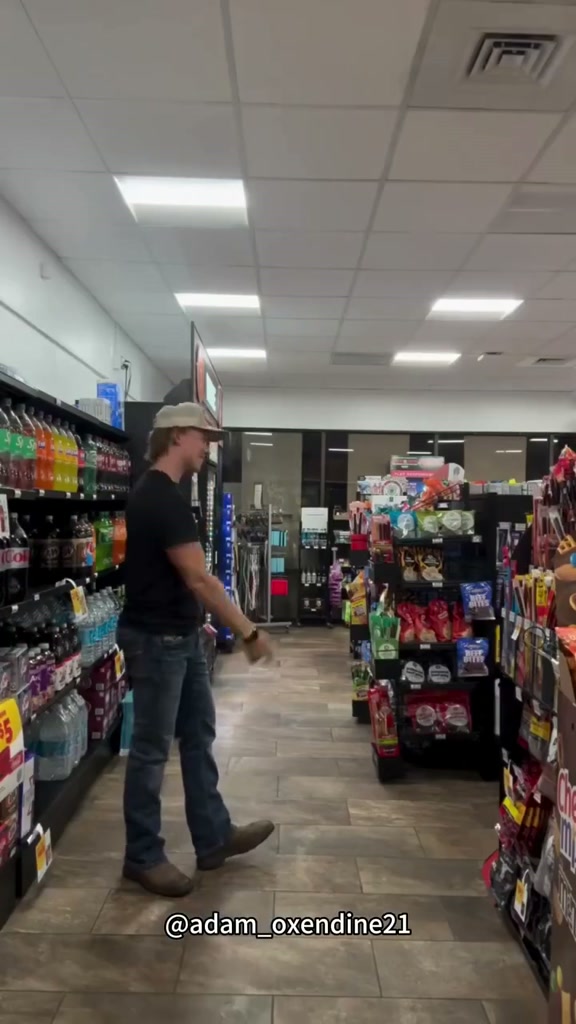
This scene includes amused confusion and a pointing gesture. Its longer source duration makes the trim decision important: select the change in expression or the gesture that connects to your message, rather than using the entire exchange as an introduction.
A line such as “When you finally recognize the problem” could lead into a real diagnosis or explanation. Keep the phrase close to what you actually show next. The scene doesn't establish who the people are or make them customers of your business.
Open the hook page, choose make a video, and select your footage. Under trim a clip, choose the hook and adjust its start and end. Play the join to check that the expression is still understandable. Browse reaction hooks when a face or gesture carries the idea better than a stunt.
A reveal: someone appears beside an open SUV hatch
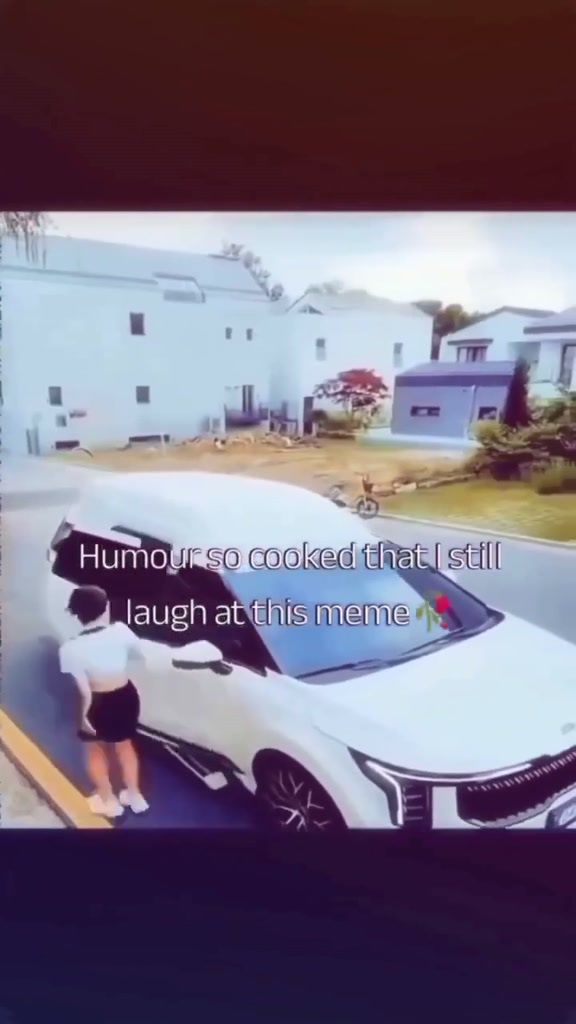
The scene begins with a woman approaching an SUV and introduces another person beside the open hatch. The editing decision is how much approach the reveal needs. Start too late and the appearance loses context; start too early and the viewer waits through an unrelated walk.
Try “The part you don't see in the finished result” for a behind-the-scenes video, then cut to the actual hidden work. Scrub backward from the appearance to find the shortest setup that still makes it understandable. Compare that version with one that keeps a little more of the approach.
The frame-by-frame cut guide explains how to test that boundary. For other hidden outcomes and entrances, browse surprise and reveal hooks.
Turn a selected example into an opening
Each example links to a player, an MP4 download, and the two-clip editor. Use hook first for a conventional opening, trim the hook and your footage, then preview the transition with and without sound. Keep your subject visible when choosing between crop to fill and fit full frame.
Choose export MP4 when the join is ready. If you still need captions or voiceover, download the hook for your usual editor and follow the complete transitional hook workflow.